
Skills intelligence helps you see what employees can do now, and what the business will need next. The World Economic Forum (WEF) reported that employers expected 39% of workers’ core skills to change within five years. With skills intelligence, you can turn that shift into clearer workforce decisions. However, headcount alone won’t show you where the risks are.
The OECD’s Survey of Adult Skills also points to a wider challenge: aligning skills with changing work. To address this, you must determine what skills your workforce has, where the gaps are, and what to do next. This article explains how skills intelligence works, the platforms and software you can use to support it, and how to know if your skills intelligence efforts are working.
Contents
What is skills intelligence in HR?
Skills intelligence vs. skills management
How does skills intelligence work? 4 steps
Skills taxonomy vs. skills ontology
Best skills intelligence platforms and software to consider
How to measure whether skills intelligence is working: 4 success metrics
FAQ
What is skills intelligence in HR?
If your CEO asks whether the company has the skills to deliver a new AI project, can you answer without using another skills survey? Skills intelligence can help you skip that step and provide an accurate picture of your organization’s AI capabilities.
Skills intelligence in HR is the ongoing practice of matching workforce skills with business needs. Instead of relying on headcount or job titles, you look at what people can actually do. You can draw on data from your HRIS and LMS, or use performance reviews, project history, and employee skills assessments as part of skills intelligence.
Unlike a one-off skills audit, skills intelligence updates as people develop, change roles, join, or leave. This gives you updated evidence to help you decide when to develop existing employees, move people into new roles, or recruit externally.s
Skills intelligence also supports a more skills-based approach to workforce planning. The good news is you don’t need a major technology investment to start. Instead, you can begin with the workforce data you already have, then focus on the skills the business needs most.

Skills intelligence vs. skills management
Here are the key differences between the two:
Area | Skills intelligence | Skills management |
What it is | The ongoing practice of matching workforce skills with business need | The processes HR uses to organize, develop, track, and apply workforce skills. |
Main purpose | Build a clearer picture of the skills employees have and the skills the organization needs. | Help HR act on skills data through hiring, learning, mobility, and workforce planning. |
How it works | Analyzes data from sources such as employee profiles, roles, learning activity, and work history. | Uses skills frameworks, assessments, development plans, and HR processes to manage skills over time. |
Typical questions | – “What skills do we have?” – “Where are our gaps?” – “Which skills are emerging?” | – “How do we close these gaps?” – “Who needs development?” – “How can we use these skills?” |
AI’s role | Infer skills, identify relationships between them, and keep skills data more current. | Support decisions (but HR still designs and manages the processes that put skills data into action). |
HR applications | Skills gap analysis, talent discovery, workforce planning, and identifying adjacent skills. | Recruitment, L&D, internal mobility, career development, and succession planning. |
Skills intelligence and skills management are closely linked, but they serve different purposes. Skills management is the broader system that helps define and develop workforce capabilities. It covers competency frameworks, career paths, role profiles, and development plans. It also sets out the skills your organization needs and how employees can build them.
Skills intelligence shows how that picture matches reality. Because the data is constantly updated, you can see which skills are available now, as well as where proficiency is weak or where too few people have too much expertise.
Take, for example, a Senior Data Analyst role. Your skills framework may specify requirements involving SQL, Python, and stakeholder communication. Skills intelligence shows you how many analysts have those skills at the required level. This helps when you make key workforce decisions, as outdated or incomplete underlying skills data can make a strong framework misleading.
Skills intelligence supports skills management rather than replacing it. Skills management sets the direction, while skills intelligence gives you current evidence to develop people, move talent, or hire externally.
It’s also important to differentiate between headcount planning and skills planning. The former helps you work out how many people you need and what the budget can support, while the latter looks at the capabilities the business needs to get the work done, regardless of job title. Say the business plans to launch a new digital service. Headcount planning tells you if you have enough people, while skills planning tells you if they have the right capabilities.
Skills intelligence gives you a clearer view of workforce strengths, gaps, and emerging needs. Build the analytical skills you need to interpret people data and turn those insights into more informed talent and workforce decisions.
AIHR’s People Analytics Certificate Program will help you:
✅ Prepare and analyze HR data to uncover meaningful workforce patterns and trends
✅ Build dashboards in Excel and Power BI that make complex people data easier to interpret
✅ Apply core statistical methods to evaluate findings and make evidence-based recommendations
✅ Communicate data insights through clear visualizations that help stakeholders take action
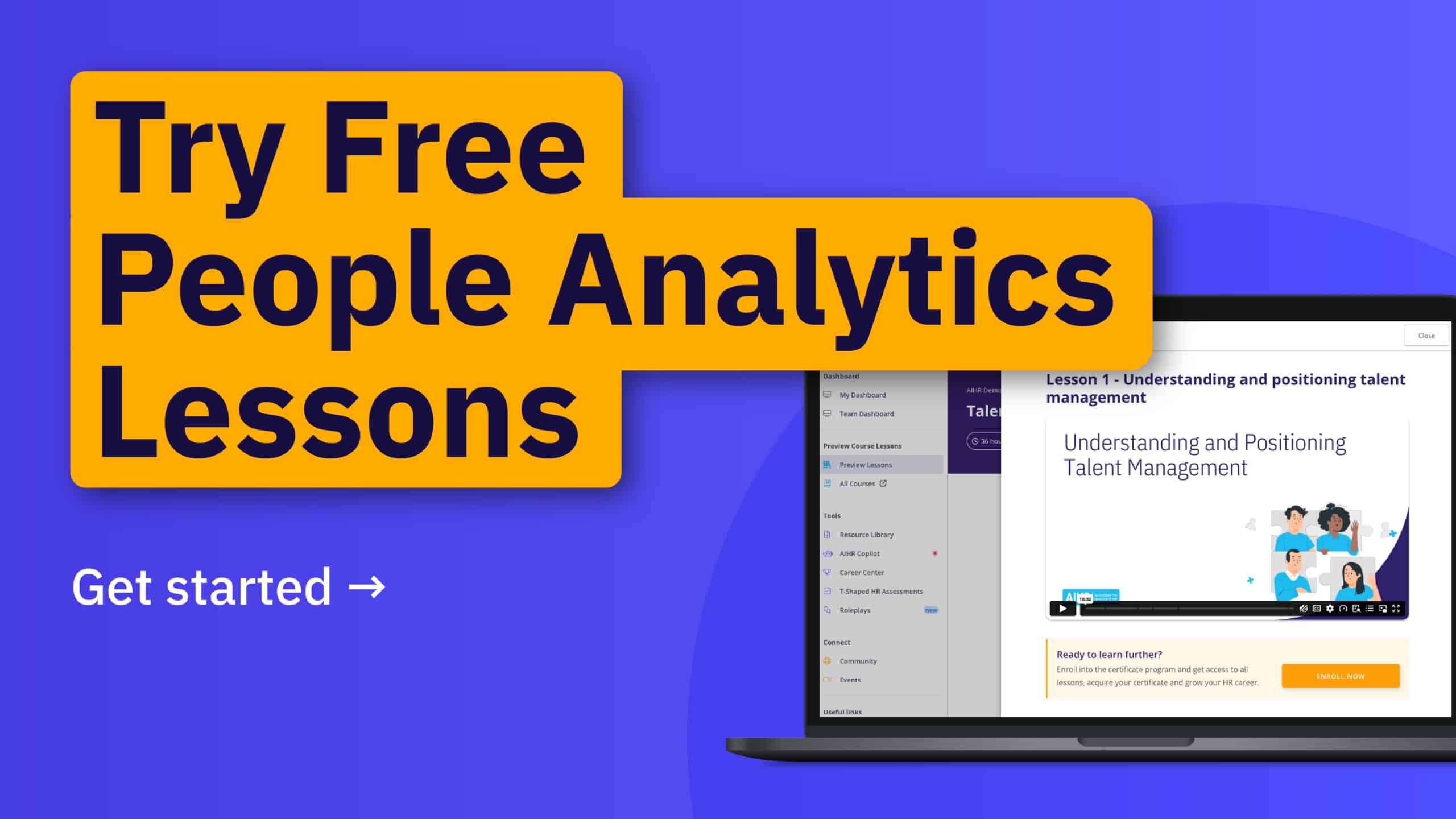
💡 See what these skills look like in practice by previewing program lessons in the AIHR Demo Portal.
How does skills intelligence work? 4 steps
Skills intelligence turns workforce data into a current view of what people can do and what the business needs. It usually involves four steps.
Step 1: Collect skills data
Start with existing information (e.g., employee self-assessments, manager input, HRIS records, LMS data, performance reviews, and project history). Each source adds something different. Self-assessments show what employees believe they can do, and project records show skills used in real work. It’s important to remember that using more than one source provides the most reliable data.
Step 2: Organize the data
Next, map the information to a common skills taxonomy. A skills taxonomy is a shared structure for naming and grouping skills across the organization. Without that structure, the same capability may appear under different names. For example, one team may use the term “data visualization”, while another uses “dashboard building”. This makes it harder to compare people, roles, and gaps.
Step 3: Compare current skills with what the business needs
Once you know what skills you have, compare them with role requirements and business plans. If your company plans to launch a new product, for instance, you can compare the engineering team’s current skills against the product roadmap. You may find strong software development capability, but limited machine learning experience.
From here, you can decide if development can close the gap. If not, you may need to hire, partner, or bring in contractors.
Step 4. Keep the data current
Doing this consistently separates skills intelligence from a traditional skills inventory. A static inventory can quickly become outdated as employees upskill, change roles, join, or leave. Skills intelligence, on the other hand, refreshes the picture, so workforce decisions reflect the organization as it looks currently.
Where does AI fit in?
AI can infer likely skills from work history, job descriptions, project experience, and learning activity. It can also connect similar skills that different systems describe in different ways. For example, it may link “people analytics” and “workforce analytics” as related capabilities.
However, while AI can improve the coverage and quality of the skills data HR uses, it cannot replace HR judgment. Human oversight is still necessary to ensure no skills mismatches or bias in data reporting. Using AI responsibly and efficiently for skills intelligence results in a clearer view of workforce capability that stays current as the organization changes.
Skills taxonomy vs. skills ontology
A skills taxonomy gives you a consistent way to organize skills across the organization by grouping skills into categories and subcategories, much like a filing system. For instance, Python might sit under Digital > Data > Analytics > Python. This common structure helps when teams use different terms for the same skill, and makes it easier to compare roles and spot gaps.
A skills ontology goes further. It maps how skills relate to each other and to different roles. Python, for example, may connect to data analysis, automation, and machine learning. A taxonomy may show that few employees are tagged with machine learning skills, but an ontology can identify people with related skills who could assume those roles with targeted development.
It can also reveal risk. If several critical capabilities depend on a small group of employees, the organization may be exposed. In short, a skills taxonomy organizes your skills data, while a skills ontology shows the relationships that make that data more useful.
Best skills intelligence platforms and software to consider
No single skills intelligence platform is best for every organization. The right choice depends on the decision you need the data to improve. If internal mobility is your priority, you’ll need different features than a learning and development (L&D) team focused on growth. Workforce planning teams, on the other hand, may need deeper modeling and scenario tools.
Platform | What it is | Best for | Key features | Best known for |
AI-powered talent intelligence for internal and external talent | Large organizations combining recruiting and internal mobility | Skills inference, adjacent-skill matching, talent marketplace, project staffing | Connecting skills intelligence across hiring and internal talent | |
Skills infrastructure built on Gloat’s Workforce Graph | Enterprises focused on internal mobility and skills-based work | Skills ontology, inventory, AI inference, HR data integration | Linking skills data directly to talent mobility | |
Skills and workforce intelligence using job and task data | Enterprise workforce planning teams | Skills frameworks, AI inference, job architecture, scenario modeling | Showing how skills and tasks change as roles evolve | |
Skills and talent management built around workforce skills data | Career development and succession planning | Skills assessments, job matching, career paths, succession tools | Skills validation and workforce readiness | |
Skills intelligence within Degreed’s learning platform | L&D teams connecting skills with development | Skills data normalization, proficiency data, gap analysis, learning links | Turning fragmented skills data into development insights | |
AI-powered skills intelligence within Workday | Organizations already using Workday | Skills relationships, gap analysis, internal mobility, shared skills data | Integration across the Workday ecosystem | |
Enterprise skills management and learning platform | L&D teams developing and measuring proficiency | Skills data, proficiency measurement, learning, workforce insights | Combining skills intelligence with learning and development | |
Skills intelligence with a strong assessment and validation focus | Organizations that want stronger evidence of employee skills | Skills architecture, AI inference, assessments, validation | Combining inferred skills with assessment evidence |
How to narrow your shortlist
Start with the decision you’re struggling to make. If you already use Workday, Skills Cloud may be the most practical starting point. The skills data sits inside your existing Human Capital Management (HCM) environment.
For L&D-led programs, Degreed or Skillsoft keep learning and proficiency data closer together, while Gloat and Eightfold deserve a closer look if internal mobility is central to the business case.
Beamery is worth considering if your workforce planning includes role redesign or AI’s impact on tasks. iMocha may suit teams that need stronger proficiency evidence, while TalentGuard fits organizations that value governance, succession readiness, and traceable skills evidence.
How to measure whether skills intelligence is working: 4 success metrics
Look beyond a skills inventory or dashboard and track change over time. Useful success metrics include:
1. Skill gap closure rate
This shows whether urgent skills gaps in the organization have narrowed. Start by choosing a small set of critical skills, then measure the gap at regular intervals. For example, you could compare the percentage of employees who meet the required proficiency level each quarter. If the gap isn’t closing, check if they can access the right learning, projects, coaching, or role opportunities.
2. Internal fill rate
This metric refers to how often you fill important roles internally. A rising rate can signal stronger development, better career mobility, and more useful skills data. Track this by role type, department, or critical skill area. If internal fill rates stay low, check if staff have open opportunities, managers support mobility, and development plans match future role needs.
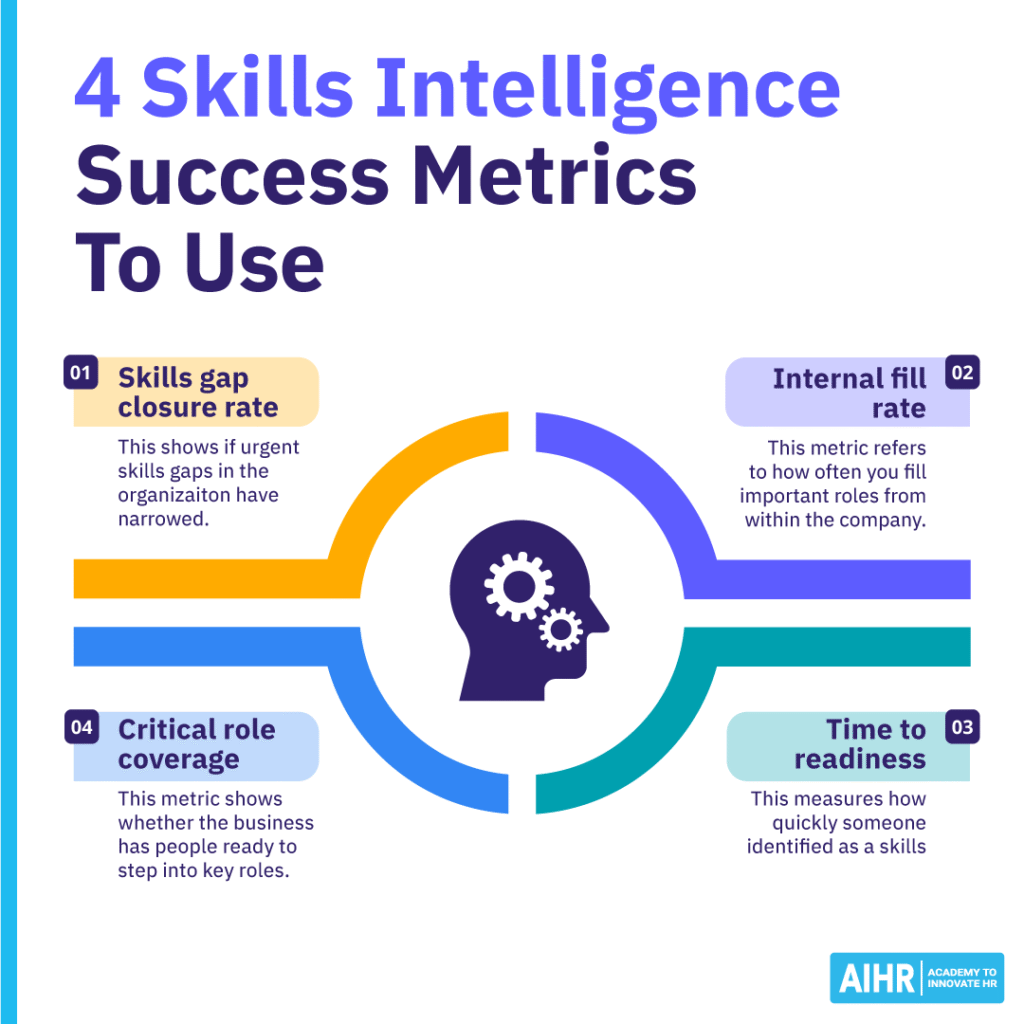
3. Time to readiness
This measures how quickly someone identified as a skills match becomes effective in their role. It helps you see if your skills data is accurate and useful. For instance, if staff keep needing long ramp-up periods, the platform may be matching people based on broad skills instead of proven proficiency. Use manager feedback, performance milestones, and project outcomes to check if employees are truly ready.
4. Critical role coverage
This metric shows whether the business has people ready to step into key roles. DDI’s found that only 20% of HR professionals were confident in their leadership bench, and internal candidates could immediately fill only 49% of critical business leadership roles. Use this metric to identify where the business relies too heavily on a single person or team, then build targeted development plans for the roles with the highest risk.
The goal is to see whether workforce capability is improving over time. If priority gaps close, internal fill rates improve, and more people become ready for critical roles, it’s a clear sign your skills intelligence is supporting better workforce decisions.
Next steps
Skills intelligence only becomes useful when HR turns data into better workforce decisions. Start with one clear workforce problem, use the data you already have, and build capability from there.
To strengthen the analytical skills behind this work, explore AIHR’s People Analytics Certificate Program. It covers practical people analytics, workforce planning use cases, and data-driven HR decisions that can help you turn skills data into action.
FAQ
Skills management is the wider system you use to define and develop workforce capabilities. It includes competency frameworks, career paths, role profiles, and development plans. Skills intelligence adds current data on the skills people actually have. It helps you see if those frameworks reflect reality and where you may need to develop, redeploy, or hire talent.
A skills taxonomy organizes skills into categories and subcategories. It gives you a consistent structure for workforce data. A skills ontology maps the relationships between skills and the roles that use them. This makes it easier to identify adjacent skills and find people who could move into roles beyond an exact skills match.
Track if your skills data leads to measurable changes in workforce capability. Useful metrics include skill gap closure rates, internal fill rates, time to readiness, and critical role coverage. You can also use a regular skills gap analysis to compare current capability with what the business needs.