

How To Build a Power BI HR Dashboard: Dataset & Tutorial
Learn how to build your own Power BI HR Dashboard with this practice dataset and make confident, data-driven people decisions.




HR professionals


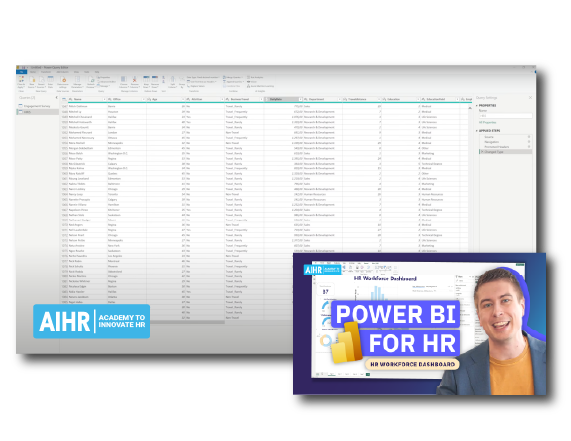
Having lots of HR data is one thing; making sense of it is another. This free HR dataset for Power BI helps you practice turning workforce data into actionable insights without advanced technical expertise.
What’s included in this HR dashboard Power BI download
If you think Power BI is too technical to figure out on your own, this resource is for you. This HR dataset for Power BI gives you everything to start practicing and applying the knowledge right away. You’ll get:
- A ready-to-use HR dataset with fields covering departments, job roles, locations, compensation, tenure, attrition, and engagement survey data.
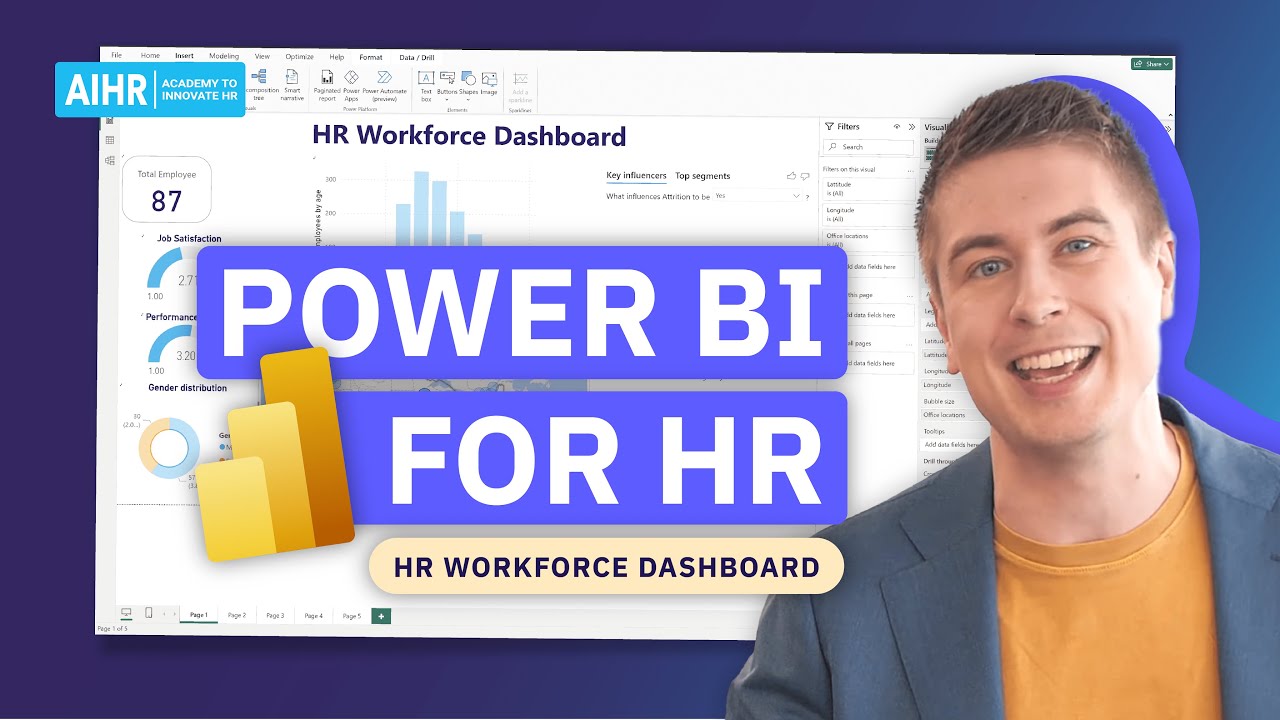
- A step-by-step video tutorial that uses the exact dataset, so you can follow along, understand the logic behind each decision, and build the HR Power BI dashboard at your own pace.
Fill in the form to download the dataset. You’ll receive the tutorial link in your confirmation message so you can start right away.
How to create an HR dashboard in Power BI
The tutorial walks you through the full process of building a Power BI HR dashboard, from loading raw data to creating a finished interactive dashboard. Here’s what you’ll do:
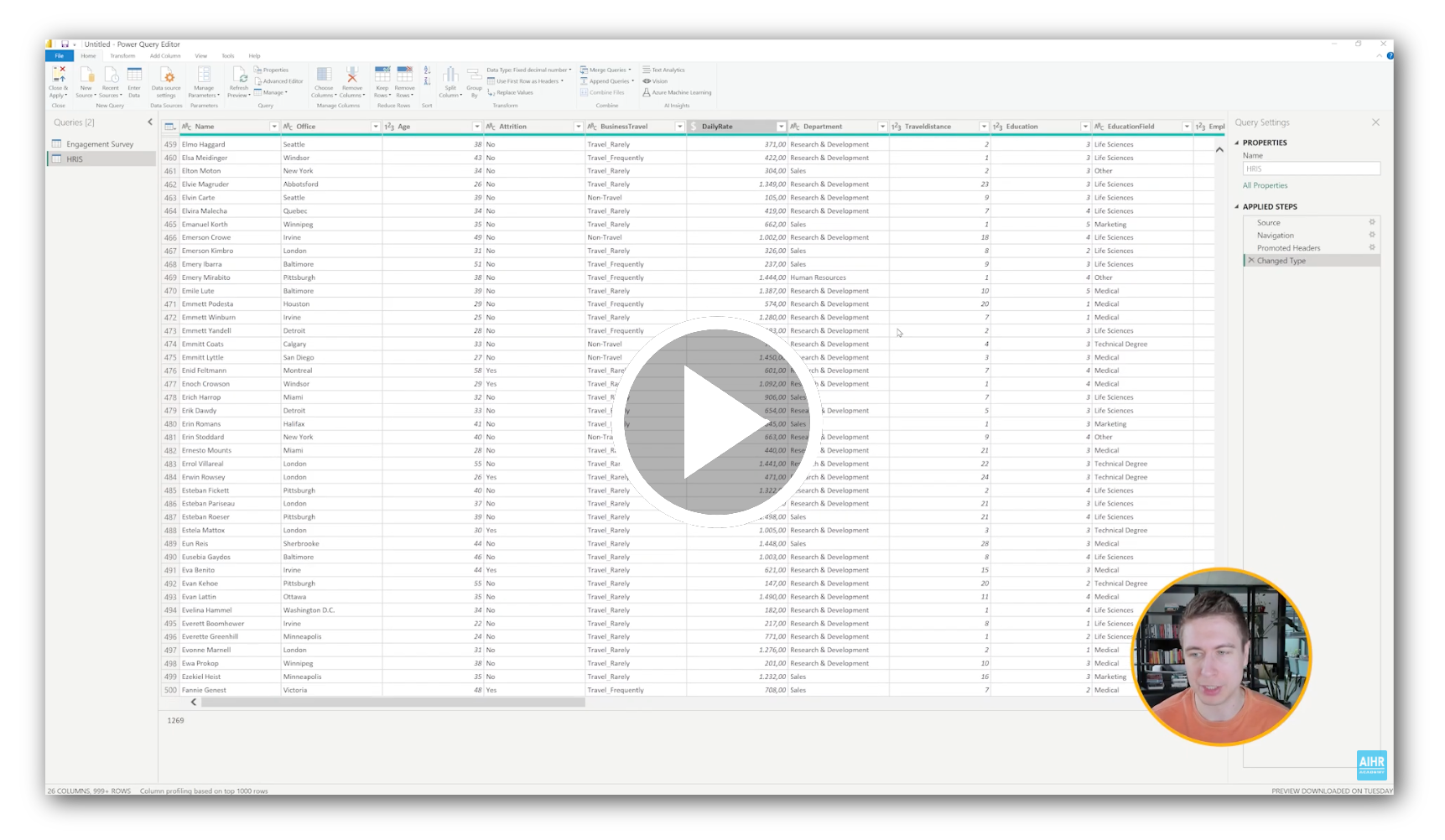
- Load and format the data: Import your Excel file and clean up field types in Power Query, so your data is ready to use.
- Define your metrics: Decide what you want to track in the dashboard and choose the right HR metrics to support it.
- Build your visuals: Select the most suitable chart types for each metric so you can explore the data and spot patterns more easily.
- Assemble the dashboard: Bring your visuals together in a clear layout that is easy to read and navigate.
- Make it interactive: Add slicers so users can filter the dashboard and explore the data more easily.
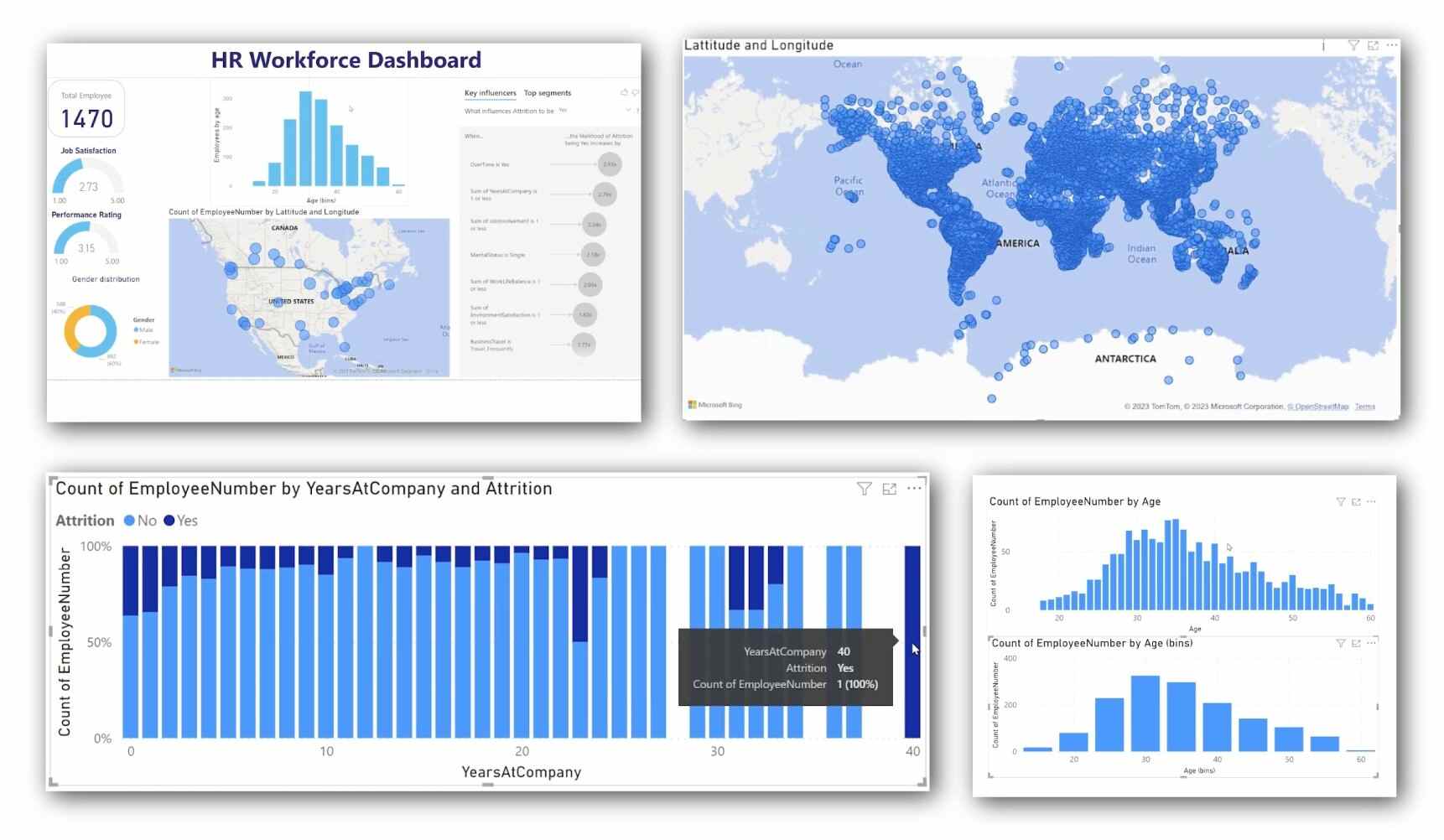
Power BI HR dashboard examples
Not sure what to build first? Here are four practical Power BI HR dashboard examples you can create with this dataset:
- Want a clear picture of who is in your organization? Create a headcount and workforce composition dashboard.
- Need to see where your people are based and how many work in each location? Build a location-based HR dashboard.
- Want to understand where employees exit and which factors drive turnover? Create an attrition and retention analysis.
- Need to compare pay across the organization and spot differences quickly? Build a compensation by department dashboard.
Download the dataset, watch the attached Power BI HR dashboard tutorial YouTube video, and turn raw numbers into meaningful insights.