

HR Dashboard in Excel: Practice Dataset & Tutorial
Learn how to build an interactive HR dashboard in Excel and make data-driven people decisions with this beginner-friendly practice dataset.




HR professionals


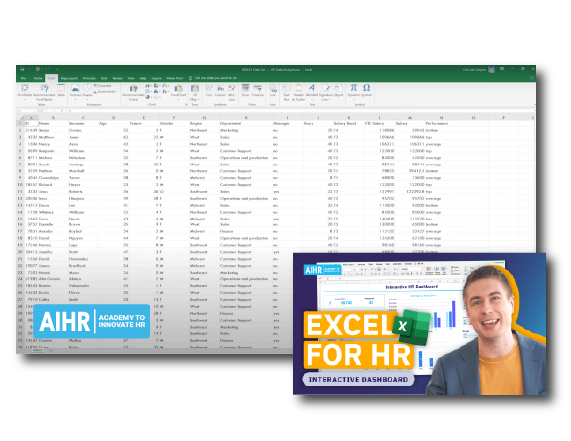
Tired of staring at a messy spreadsheet and wondering how to turn it into meaningful HR metrics? Get this practice dataset and learn how to turn raw workforce data into an interactive Excel HR dashboard.
What’s included in this HR dashboard Excel download
Building a Human Resources dashboard in Excel from scratch can be overwhelming and time-consuming. This beginner-friendly practice dataset makes it easy to get started and showcase your expertise with confidence. You’ll get:
- A ready-to-use dataset that mirrors real-world HR information, featuring details such as employee names, locations, and departments.
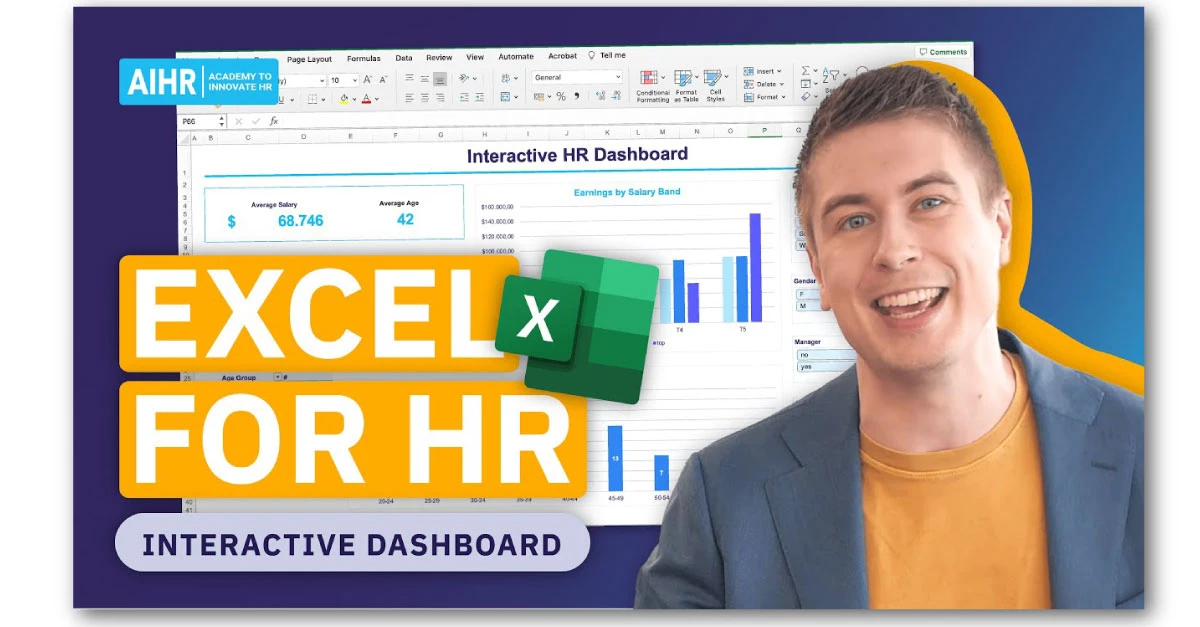
- A step-by-step video tutorial using that exact dataset, so you can follow along and understand the why behind each step.
Fill in the form to download the dataset. You’ll receive a tutorial link in the confirmation message to start practicing right away.
How to create an HR dashboard in Excel
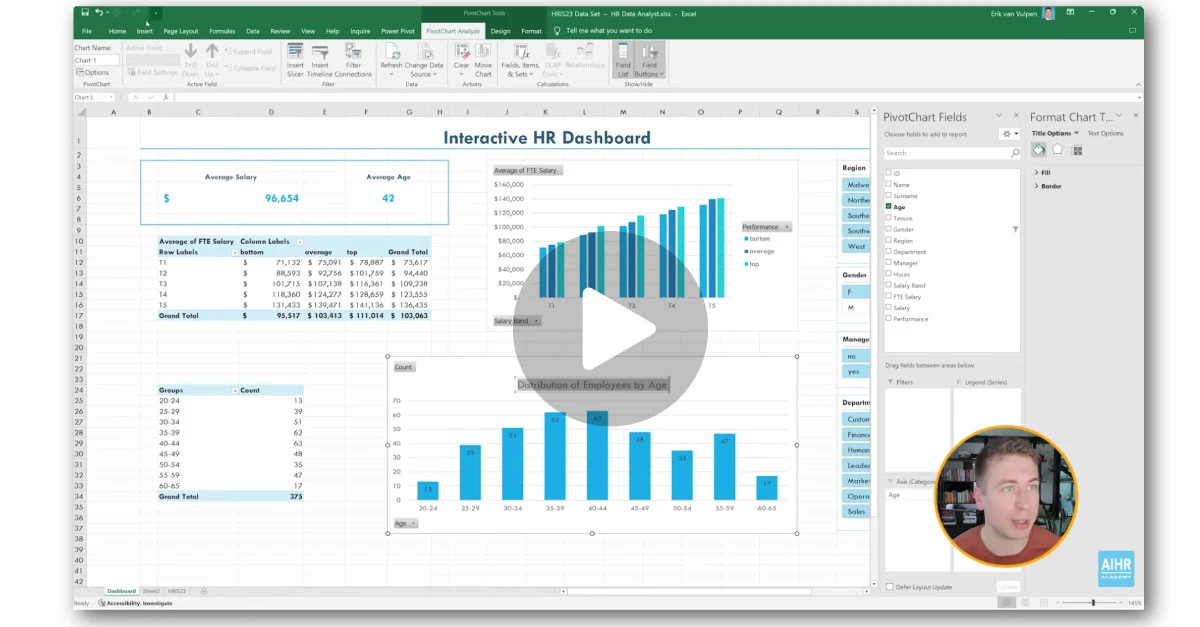
This dataset gives you a practical starting point for building an HR data dashboard. You’ll also build skills you can apply to other reporting needs in your role. Here’s how you can approach the process:
- Review the dataset: Understand the available fields and what each can tell you about your workforce.
- Choose your metrics: Keep the dashboard focused and useful with the right measures.
- Summarize and structure the data: Organize the raw information into a format that makes patterns easier to spot.
- Build clear visuals: Learn how to choose the right charts for workforce trends.
- Assemble the dashboard: Bring everything into a clean, easy-to-read layout.
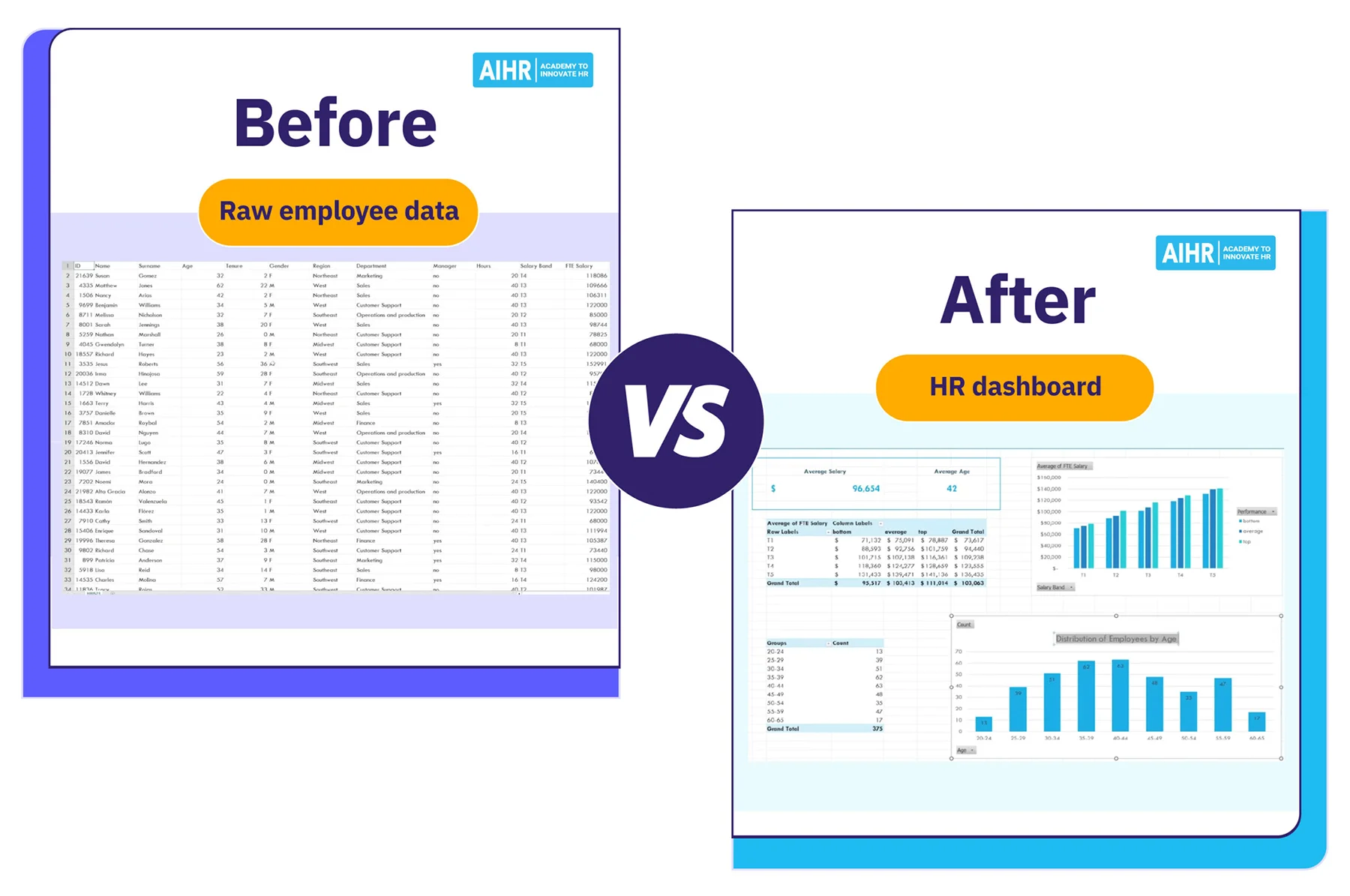
Why use this HR dataset in Excel for practice
Being data-driven allows you to act as a true people partner, not just an administrator who executes routine HR tasks. And that starts with knowing how to build straightforward dashboards.
With scattered resources, it can be difficult to learn on your own. This HR data for Excel practice resource gives you everything you need in one place. It’s particularly useful if you:
- Have HR data, but no clear process to turn it into useful insights
- Know Excel can build dashboards, but have never seen how to do it end-to-end
- Need to report to leadership, but lack confidence when presenting findings
- Are building HR analytics skills and want a concrete example to follow
Download the dataset, watch the attached tutorial, and turn raw numbers into meaningful insights with Excel.